How to Spot Fake Emails: The Complete Guide to Identifying Phishing, Scams, and Email Fraud
Published: January 26, 2026 | Author: Security Team | Category: Security | Read time: 13 minutes
Learn how to identify fake emails, phishing attempts, and email scams with expert techniques. This guide covers header analysis, URL inspection, sender verification, and how disposable email protects you from fraudulent messages.
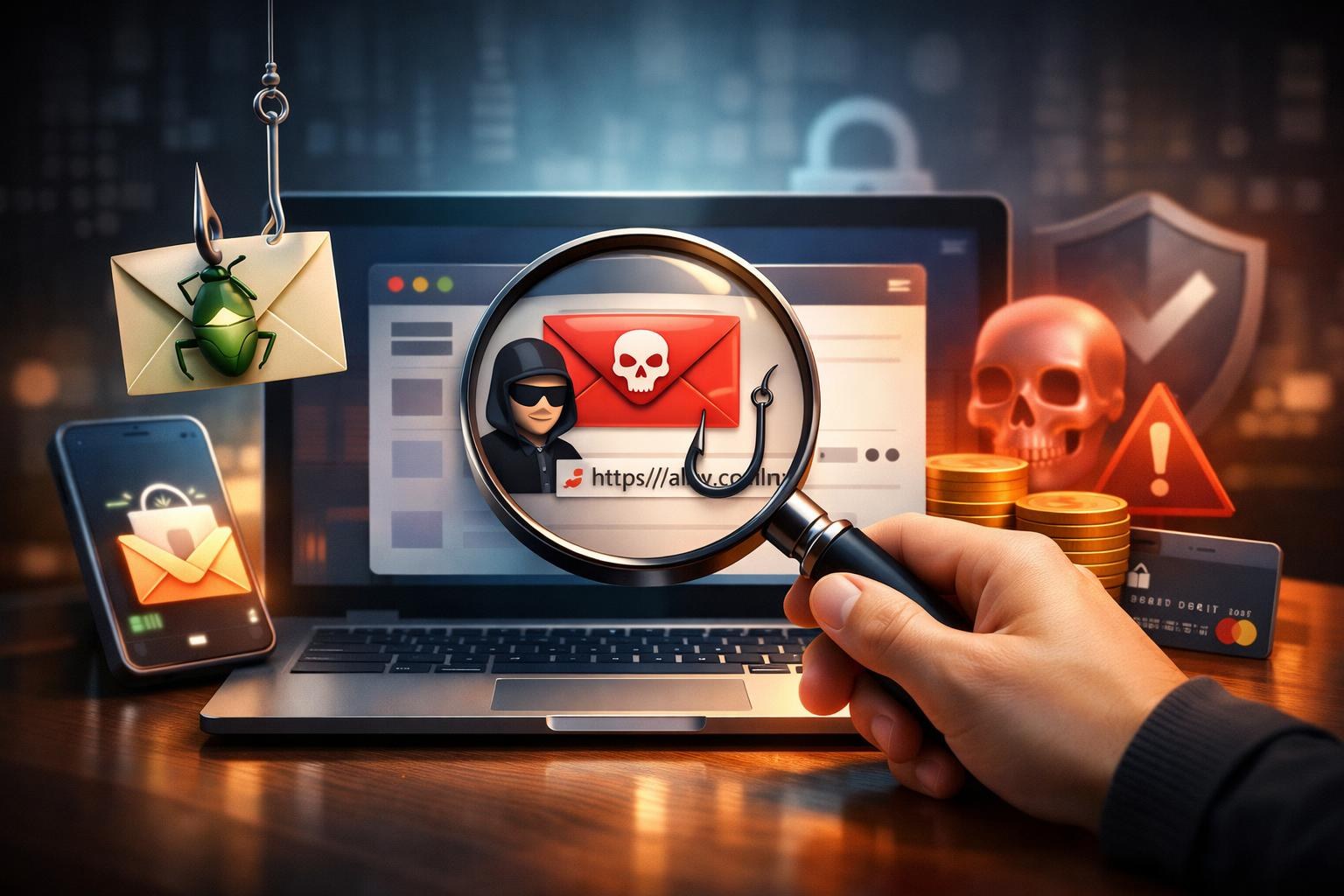
The Anatomy of a Fake Email
Fake emails are the Swiss Army knife of cybercrime. They're used for phishing, malware delivery, financial fraud, identity theft, and social engineering. And they're getting disturbingly good. Modern phishing emails are virtually indistinguishable from legitimate communications - they copy logos pixel-for-pixel, replicate writing styles, and even include real company footers with unsubscribe links.
In 2024, 91% of all cyberattacks began with a phishing email. The average cost of a successful phishing attack on a mid-sized company exceeded $1.6 million. For individuals, falling for a fake email can mean drained bank accounts, stolen identities, and months of recovery.
Learning to spot fake emails is one of the most valuable digital skills you can develop. And using temporary email for non-essential online interactions dramatically reduces your exposure to these attacks in the first place.
Red Flag #1: Sender Address Anomalies
The most reliable way to identify a fake email is to scrutinize the sender's address. Cybercriminals use several techniques to make their emails look legitimate:
Display Name Spoofing
The email shows "PayPal Support" as the sender name, but the actual email address is something like paypal-support@secure-payment-verify.xyz. The display name is easy to fake - always check the actual email address behind it.
Lookalike Domains
Hackers register domains that look almost identical to the real ones:
- paypa1.com (lowercase L replaced with number 1)
- paypall.com (extra letter added)
- paypal-secure.com (subdomain added)
- paypaI.com (uppercase I instead of lowercase L)
- pаypal.com (Cyrillic "а" instead of Latin "a")
These differences are almost invisible at a glance. The last one - using Cyrillic characters - is particularly devious because the characters look identical in most fonts.
Subdomain Tricks
An email from paypal.com.account-recovery.xyz might look legitimate because it starts with "paypal.com." But the actual domain is "account-recovery.xyz" - the "paypal.com" portion is just a subdomain. Always read the domain from right to left, stopping at the first standalone period after the top-level domain (.com, .org, .net).
Red Flag #2: Urgency and Fear Tactics
Fake emails almost always create a sense of urgency because panic overrides critical thinking. Common fear-based tactics include:
- "Your account will be suspended in 24 hours!"
- "Unauthorized login detected - verify immediately!"
- "Your payment method failed - update now or lose access!"
- "IRS Notice: Your tax refund is expiring!"
- "You've won $50,000! Claim within 48 hours!"
Legitimate companies don't threaten you via email. Banks don't set 24-hour deadlines for account verification. The IRS doesn't email about tax refunds. Any email that creates artificial urgency is almost certainly fake.
Red Flag #3: Suspicious Links and URLs
The payload of most phishing emails is a malicious link that directs you to a fake login page designed to steal your credentials. Here's how to inspect links safely:
Hover Before You Click
On desktop: move your mouse cursor over any link WITHOUT clicking. Your email client will display the actual URL in the bottom corner or a tooltip. If the displayed URL doesn't match the text or the purported sender's domain, it's a phishing link.
Look for HTTPS - But Don't Trust It Blindly
Phishing sites routinely use HTTPS certificates (they're free through Let's Encrypt). The padlock icon means the connection is encrypted, not that the website is legitimate. "https://paypal-login-verify.xyz" is encrypted AND fake.
Check for URL Shorteners
Legitimate companies don't use bit.ly, tinyurl.com, or other URL shorteners in official emails. Shortened URLs hide the true destination and are a classic phishing technique.
Inspect the Full URL Path
A URL like https://legitimate-bank.com.phishing-domain.xyz/login looks plausible until you read the domain correctly. The actual domain is "phishing-domain.xyz" - everything before it is decorative.
Red Flag #4: Grammar, Spelling, and Formatting Errors
While modern phishing emails have improved dramatically (thanks to AI writing tools), many still contain telltale errors:
- Inconsistent capitalization ("Dear CUSTOMER, your Account needs Verification")
- Unusual phrasing that suggests translation from another language
- Generic greetings ("Dear Customer" instead of your actual name)
- Mismatched fonts and colors within the same email
- Pixelated or slightly off-brand logos
- Footer text that doesn't match the purported company's standard format
Warning: AI-powered phishing tools are making grammatical errors less common. Don't rely on grammar alone to identify fakes - always verify through other red flags.
Red Flag #5: Unexpected Attachments
Legitimate companies rarely send unsolicited attachments. Be extremely suspicious of:
- .exe, .bat, .cmd, .scr files: These are executable files that run malware when opened.
- .zip or .rar archives: Often used to bypass email scanners by compressing malicious payloads.
- .docm or .xlsm files: Microsoft Office files with macros that execute malicious code.
- "Invoice" or "Receipt" PDFs from unknown senders: Can contain embedded JavaScript or redirect to phishing sites.
If you're not expecting an attachment from a known sender, don't open it. Period.
Red Flag #6: Requests for Personal Information
No legitimate company will ever ask you to provide the following via email:
- Password or PIN number
- Social Security number or national ID
- Full credit card number
- Bank account details
- Login credentials for any service
If an email asks for this information - no matter how official it looks - it's fake. Always navigate directly to the company's website (type the URL manually, don't click the email link) and log in there. If there's a real issue, you'll see it in your account dashboard.
Red Flag #7: Too Good to Be True
Scam emails prey on greed and excitement:
- "You've inherited $2.3 million from a distant relative"
- "Congratulations! You've won an iPhone 16"
- "Exclusive: Bitcoin investment guaranteed 500% returns"
- "Your unclaimed tax refund of $4,893 is ready"
If you didn't enter a contest, you didn't win. If you don't have wealthy foreign relatives, you didn't inherit millions. These emails exploit hope and can be dismissed immediately.
How Temporary Email Protects You from Fake Emails
While learning to spot fake emails is essential, prevention is even better. Here's how disposable email creates a natural shield against fraud:
Exposure Reduction
By using temp mail for non-essential signups, your real email appears in fewer databases. Fewer databases means fewer breach exposures, which means fewer phishing emails reaching your real inbox.
Context-Based Verification
When you implement strict email hygiene - temporary email for casual sites, permanent email only for trusted services - any unexpected email at your real address is immediately suspicious. If you receive a "Netflix password reset" at your Gmail but signed up for Netflix with temp mail, the fraud is obvious.
Ephemeral Protection
Even if a phishing email reaches your disposable email inbox, there's nothing to steal. No passwords to reset, no credentials to phish, no identity to compromise. The inbox is anonymous and temporary - a dead end for any attacker.
Canary Detection
Using unique temp mail addresses for each service lets you identify which companies sell your data. If you receive a phishing email at an address you gave exclusively to one company, that company either suffered a breach or sold your address - and you can take appropriate action.
Advanced Verification Techniques
Email Header Analysis
Every email contains hidden headers that reveal its true origin. In Gmail, click "Show Original" to view headers. Look for:
- Return-Path: The actual sending address (often different from the displayed "From" in fake emails).
- Received: Shows the servers the email passed through. Legitimate emails from PayPal should pass through PayPal's mail servers.
- SPF, DKIM, DMARC results: Authentication checks that verify the sender's legitimacy. "PASS" is good; "FAIL" is a strong indicator of a fake.
WHOIS Domain Lookup
If you're suspicious of a domain in an email link, look it up on whois.domaintools.com. Check the registration date - a domain registered last week is far more suspicious than one registered 10 years ago. Legitimate company domains have long registration histories.
Reverse Image Search
If an email contains images or logos that look slightly off, drag them into Google Images. Phishing emails often use slightly modified versions of legitimate logos - a reverse image search can reveal the original.
What to Do If You've Clicked a Fake Email Link
If you suspect you've interacted with a phishing email, act immediately:
- Don't panic, but don't delay - time is critical.
- Change your password immediately - for the compromised service and any other service where you use the same password.
- Enable 2FA - on all accounts that support it.
- Check for unauthorized activity - review bank statements, email forwarding rules, and connected apps.
- Report the phishing email - forward it to phishing@cybergov.au (Australia), report@phishing.gov.uk (UK), or reportphishing@apwg.org (international).
- Run a malware scan - if you downloaded an attachment, scan your device with updated antivirus software.
- Consider a credit freeze - if financial information was potentially compromised.
Building a Family-Wide Anti-Phishing Strategy
Phishing doesn't just target tech-savvy professionals. Elderly family members, teenagers, and non-technical users are prime targets. Build a household defense strategy:
- Educate everyone: Share this guide with family members. The five-minute conversation about recognizing fake emails could save thousands of dollars.
- Set up temp mail for kids and teens: Teach younger family members to use TempMailGet for game signups, app installations, and social media accounts.
- Use a family password manager: Bitwarden's family plan costs $40/year for 6 users. This eliminates password reuse, the enabler of credential stuffing attacks.
- Create a verification protocol: If anyone receives a suspicious email claiming to be from a financial institution, the household rule is: never click the link. Always type the URL directly into the browser.
Frequently Asked Questions
Can fake emails bypass spam filters?
Yes. Sophisticated phishing emails are specifically designed to evade spam filters. This is why human awareness remains the most important line of defense.
Are all emails with links dangerous?
No. Legitimate emails from trusted senders often contain links. The key is to verify the sender's identity and inspect the link destination before clicking. When in doubt, navigate directly to the website.
Does temp mail prevent all phishing attempts?
this type of service dramatically reduces your exposure to phishing by keeping your real address out of marketable and breachable databases. However, no tool provides 100% protection. Combine this service with awareness, strong passwords, and 2FA for comprehensive defense.
Conclusion: Vigilance + Prevention = Safety
Fake emails will never go away - they're too profitable for criminals and too cheap to produce. But you can make yourself an incredibly hard target through a combination of awareness (knowing what to look for) and prevention (using temporary email to minimize your exposure).
Learn the red flags. Trust your instincts. When in doubt, don't click. And use TempMailGet for every non-essential online interaction to keep your real inbox clean, secure, and free from the constant barrage of phishing attempts.